eGolfCard.com Help > My Game
My Game
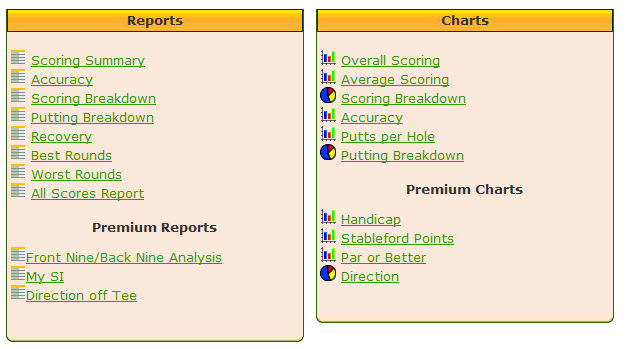
eGolfCard.com provides a suite of reports and charts that allow you to
analyse your progress with your golf game. You simply select the report or chart from the list.
The Premium Reports and Charts are only available to Premium eGolfCard.com members.
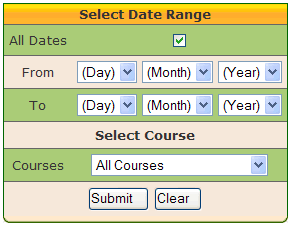
On most reports and charts you have the option to select both a date range
and/or a specific course to analyse. You can also view reports and charts for All Dates
and All Courses.
Click Submit and your report or chart will be displayed.
Click Submit and your report or chart will be displayed.