eGolfCard.com Help > General
Registration
When you first register with eGolfCard.com you will be sent an authentication email. In this email
there is a link to activate your account. It is important that you click on this link otherwise you
will not be able to gain access.
Login
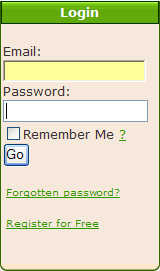
After you have registered you must log in to gain access to the system. The log in box appears in the top left of the page. Simply enter your email address and password and click Go.
Once you have logged in, the log in box will be replaced by a small summary of your account.
Navigation
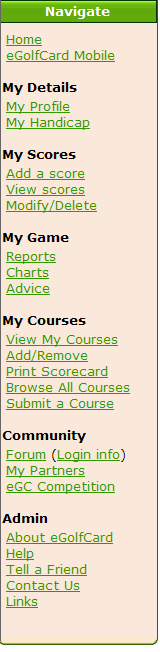
The main navigation of the site is situated on the left hand side of each page. Each link is arranged in an appropriate group to make it easy to follow.
There is also a toolbar at the top of each page linking to the main sections of the site.
Home Page Summary
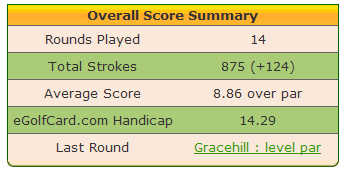
Once you have logged in, an Overall Score Summary is presented on the main eGolfCard.com page.
It details your Rounds Played, Total Strokes, Average Score and eGolfCard.com Handicap.
The eGolfCard.com handicap is a simple calculation of an unofficial handicap to help you to quantify how
your game is going generally. The summary also contains a quick link to you most recent round.
Contacting Us
If you have any problems using the site or have any general comments or suggestions as
to how we could improve it, please do not hesitate to contact us at info@egolfcard.com.